every shot, handled.

back up, check, free up, find. the real app, step by step.
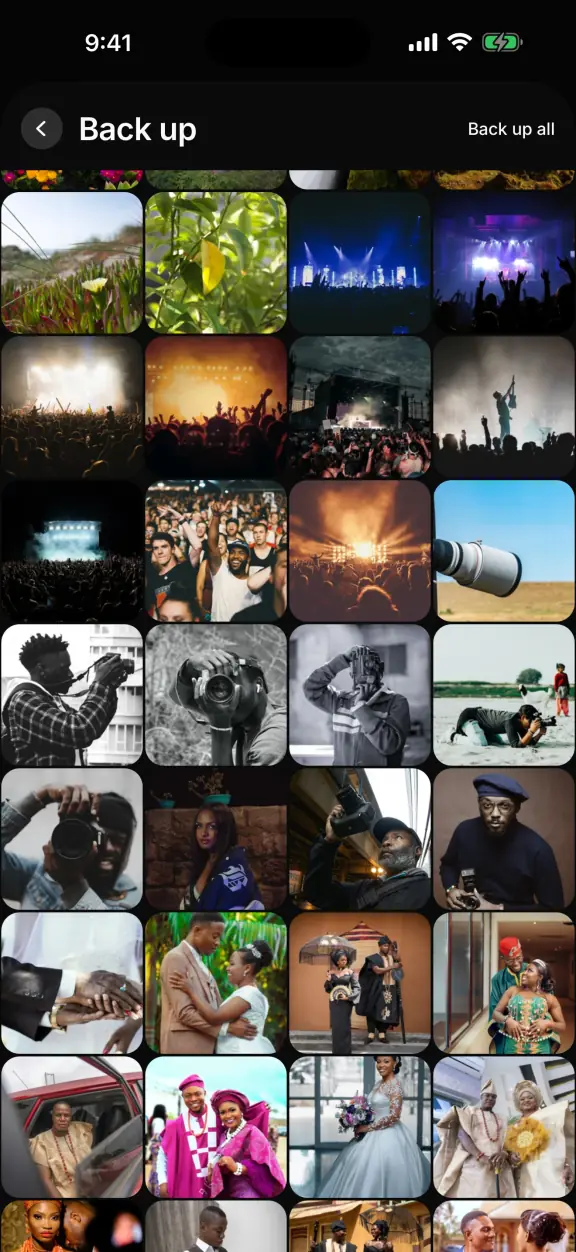
The Back up screen in the app: photos and videos to back up
back up every shotfull quality originals, and live photos keep their motion.
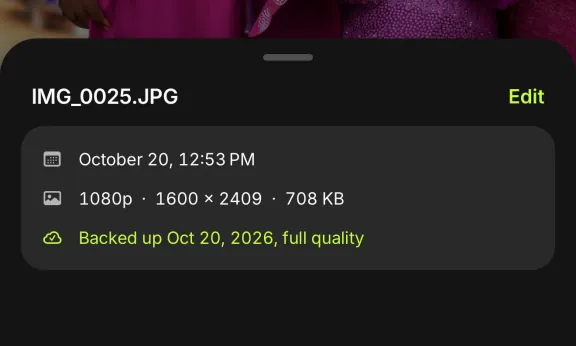
A photo open in the appIts info sheet: backed up Oct 20, 2026, full quality
a tick you can trustit shows only once storage has your whole original.
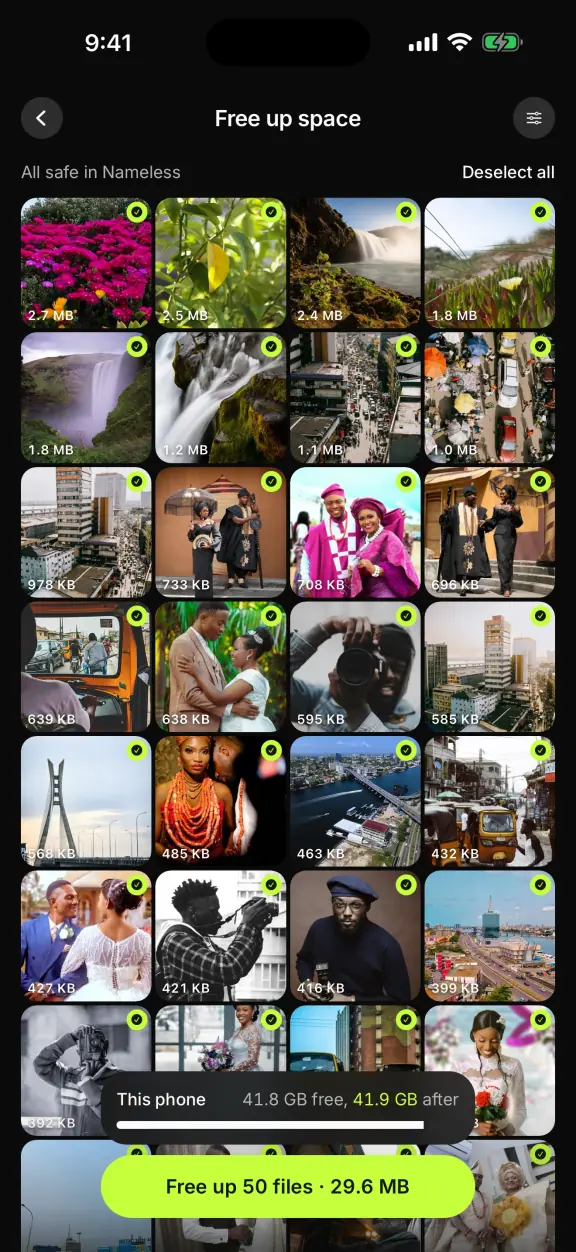
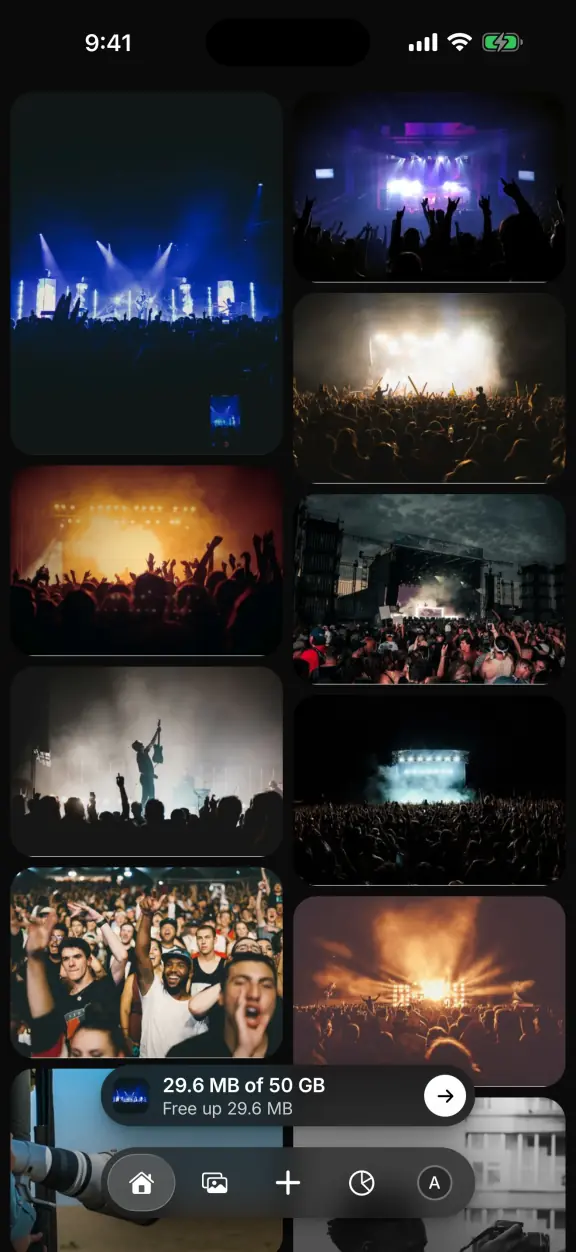
The Free up space screen: 50 chosen files, all confirmed in the cloudFree up 50 files · 29.6 MB
free up your phonea photo only leaves once it's safely backed up and checked again.
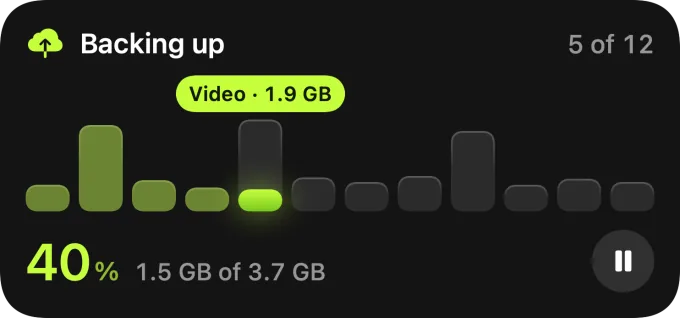
Tuesday 20 October9:41 The backup Live Activity on the Lock Screen: backing up, 5 of 12
keeps going when you leaveon iOS 26, a big backup carries on after you leave the app.
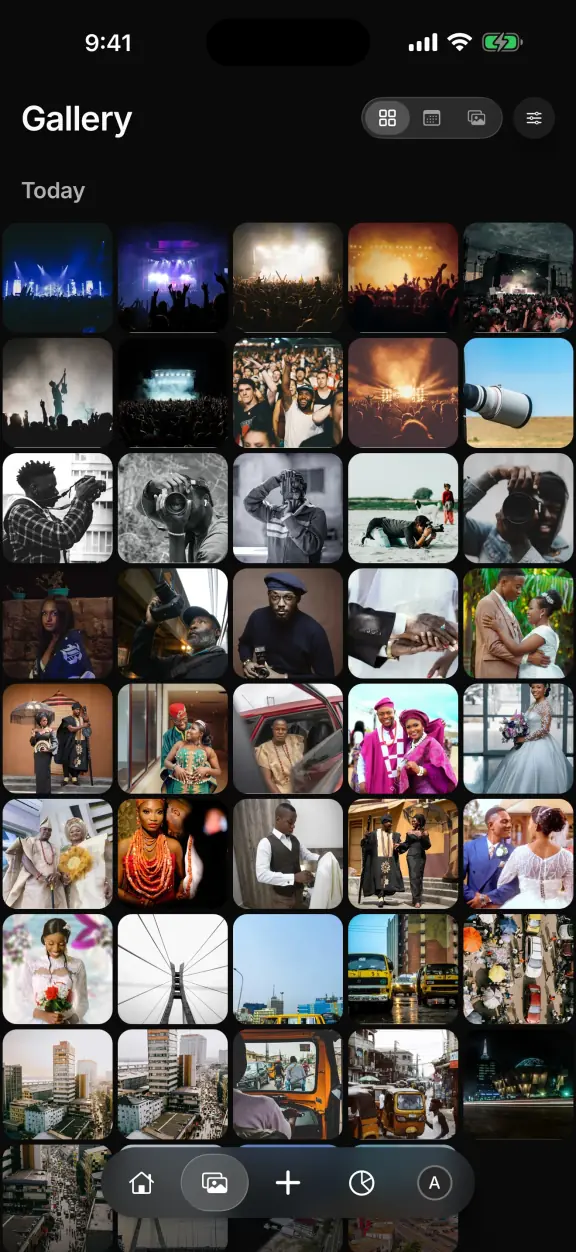
The Gallery tab: today's photos, five across
find any shotpinch the gallery, jump to a day, or open an album.
A photo of a couple in matching magenta aso oke, open in the app and saved to PhotosSaved to Photos
play and download originalswatch any video, and save the full original back.
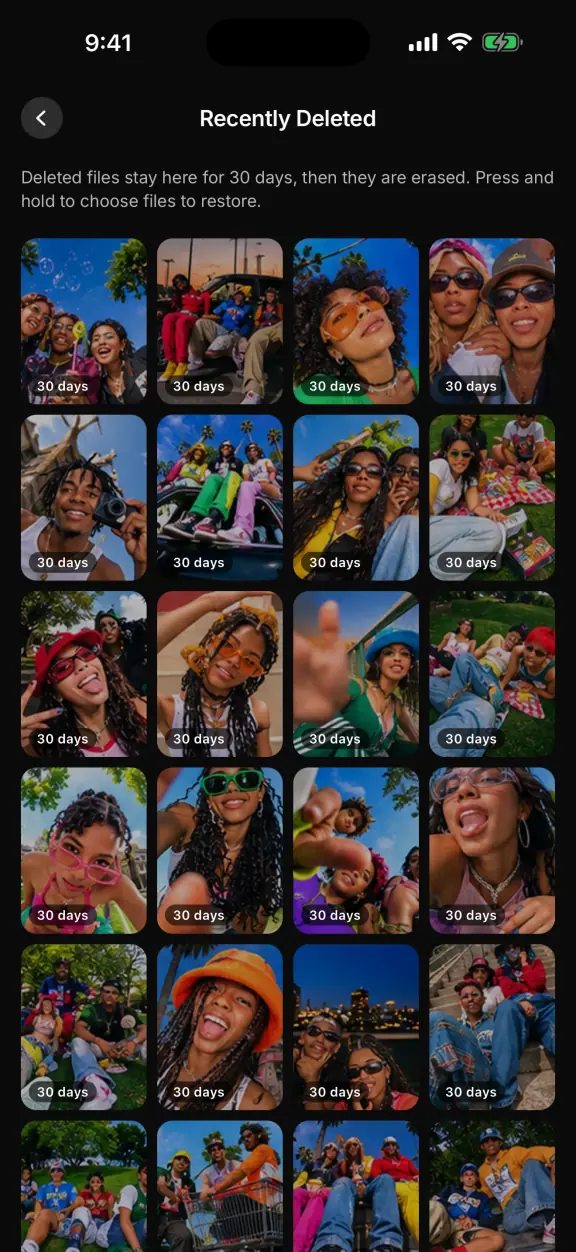
Recently Deleted in the app: files kept for 30 daysRestoredBack in Gallery
recently deletedchanged your mind? it waits there for 30 days.
The Home tab: the library as last loaded, its status waiting to reconnectWaiting to reconnectBacking up 3 files
works with no signalyour latest shots still open, and backups wait for you.

free up your phone today.back up every shot in full quality, then clear your phone once it's safe.

get it on iphone